
MetaTrader
How to Enable Algo Trading in MetaTrader 5
Learn how to correctly enable algorithmic trading in MetaTrader 5.
About This Lesson
Related Products
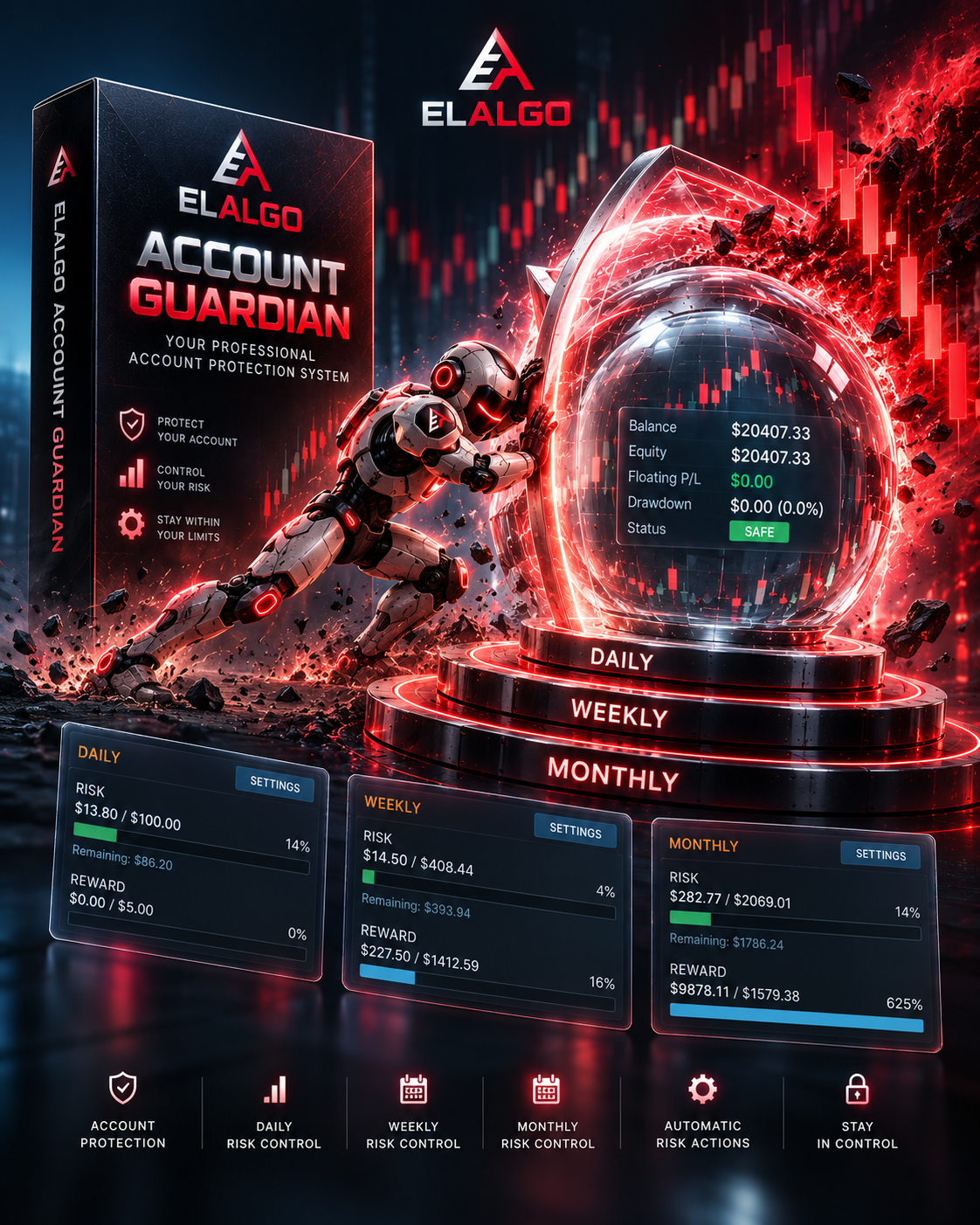
Elalgo Account Guardian
ElAlgo Account Guardian is an account-level risk management tool for MetaTrader traders who want structured control over Daily, Weekly, and Monthly risk limits. It provides a clear dashboard for monitoring Risk Used, remaining risk, drawdown, account status, reference values, reset times, and configurable protection actions. It is designed to support disciplined account management, not to generate trades or promise profits.

ElAlgo Position Guardian
ElAlgo Position Guardian is a professional MetaTrader 5 trade-management assistant designed to help traders manage open positions faster and with more control. It combines manual position actions, risk-management tools, partial exits, break even, profit protection, trailing stop, and per-position automation in one streamlined interface.

Elalgo Assistant
A professional MetaTrader 5 trading assistant for opening, managing, and closing trades with precise risk management, visual order placement, grid trading, and performance tracking—all from one powerful panel.

Candle Timer
A simple on-chart indicator that displays the remaining time before the current candle closes.
Position Risk Monitor
A practical on-chart indicator that calculates and displays the total potential loss across all open positions if their stop-loss levels are reached.